

The first time you ask AI to help with a recurring job, you do the hard thinking yourself. You explain what good looks like, show an example, correct a bad assumption and make a few decisions. Then the chat disappears into the pile, and next time you start again.
The working file
A prompt tells AI what to do once. A working file records what the job has already learned: the aim, examples, decisions and questions that still need an answer. It is not a bigger prompt. It is the job's memory, kept where a person can read and improve it.
Fictional example: Maya runs a small events business. In a blank chat, she asks for a proposal for a 60-person breakfast and gets a fluent answer that assumes a sit-down meal, three suppliers and a formal tone. She corrects it, but those decisions stay in the chat. In her working file, the next request starts with two real proposals, one failed example, decisions already made and open questions. The file does not make the answer right by itself. It makes the important context visible before the next draft begins.
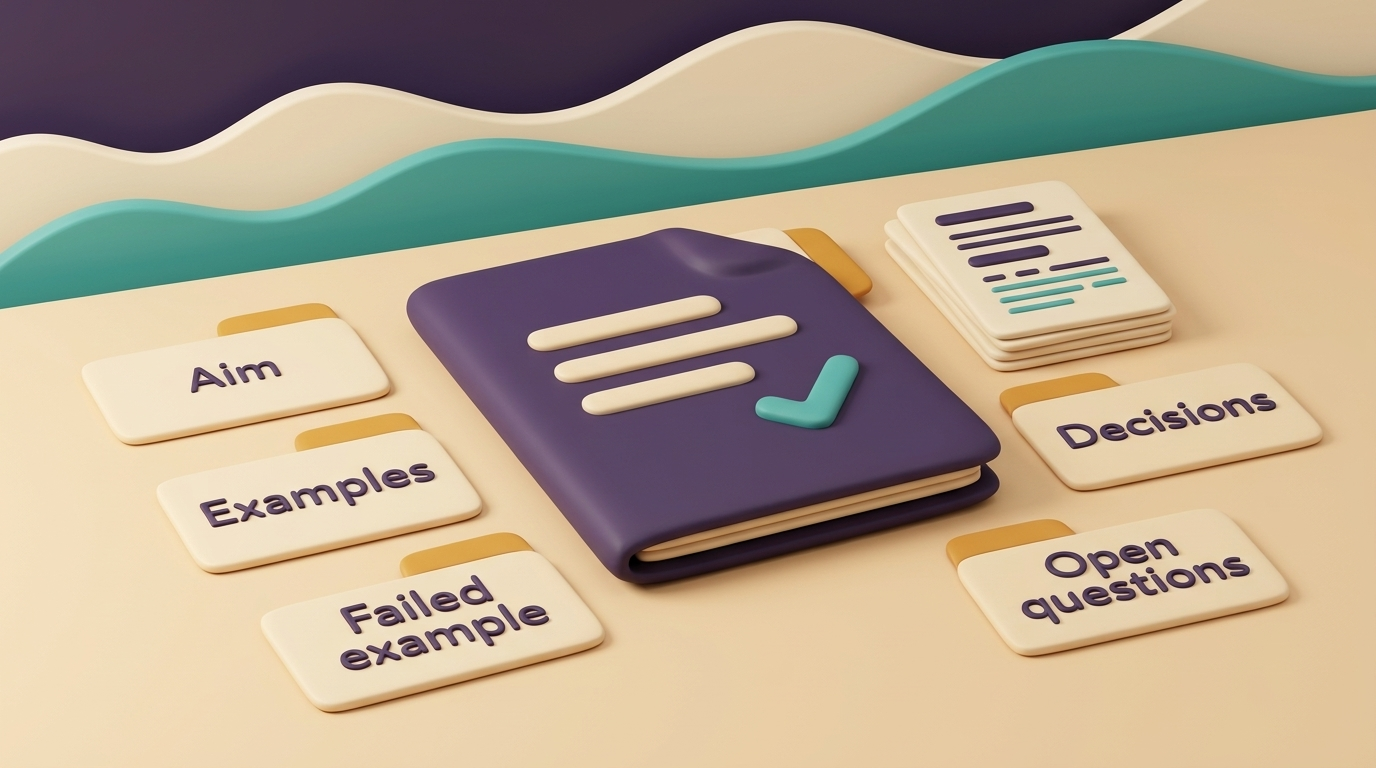
- the job's aim, in one sentence
- two real examples that show what good looks like
- one example that failed, with the reason
- decisions already made
- questions still open
Choose one job you repeat, make this file once, and add to it after the next job. If a decision keeps being re-explained, it belongs in the file. If a question has been answered, record the answer. That is how the file becomes more useful than a fresh prompt without becoming a long manual.
Google's 5 October 2026 announcement makes this easier to maintain with other people: Google Docs can now open, edit and let people collaborate on Markdown files while keeping the .md file type. Before that, importing Markdown into a Doc could alter formatting, strip comments and fragment files. Use that option if other people need to edit the file with you.
After the next job, read the file before you ask AI again. Did it contain a decision that saved you from explaining the same thing? If not, add the missing example or decision, rather than another paragraph of generic instructions.
If you are choosing the first job
If you are not sure which recurring job to choose, my public Start Here tool, titled “Don't know where to start with AI?”, asks four questions about your work, what slips, relevant details and an optional recent example. It suggests a first job worth trying with AI, demonstrates it on a clearly made-up example, and shows checks and a small test. It does not connect to accounts, inspect a real business or complete your actual work.
Also in this issue
The news I picked out on 27 October 2026. Some of it may have moved on since.
- Worth being careful aboutMeta’s Muse AI assistant asks for data from people around you
Meta’s Muse asks users to share information about friends, family and other contacts, not just themselves. That is worth reading before you let an AI assistant see someone else’s data.
- Tools worth knowingDropbox Sign and DocuSign offer different e-signature options
Dropbox Sign and DocuSign are eSignature apps for replacing paper signing, and the better choice depends on whether you need a lightweight tool or more team features.
- Working with dataTurn a Google Sheet into a visual tracker or dashboard
With one click, Google Sheets can turn spreadsheet data into visual tools such as a Kanban board, financial scenario planner or executive dashboard. It is a practical way to make rows and columns easier to read at a glance.